Theme Manager
The Theme Manager will allow you to do specific CSS overrides for Bootstrap classes and to have your own set of preset configurations to any given Bootstrap based Theme.
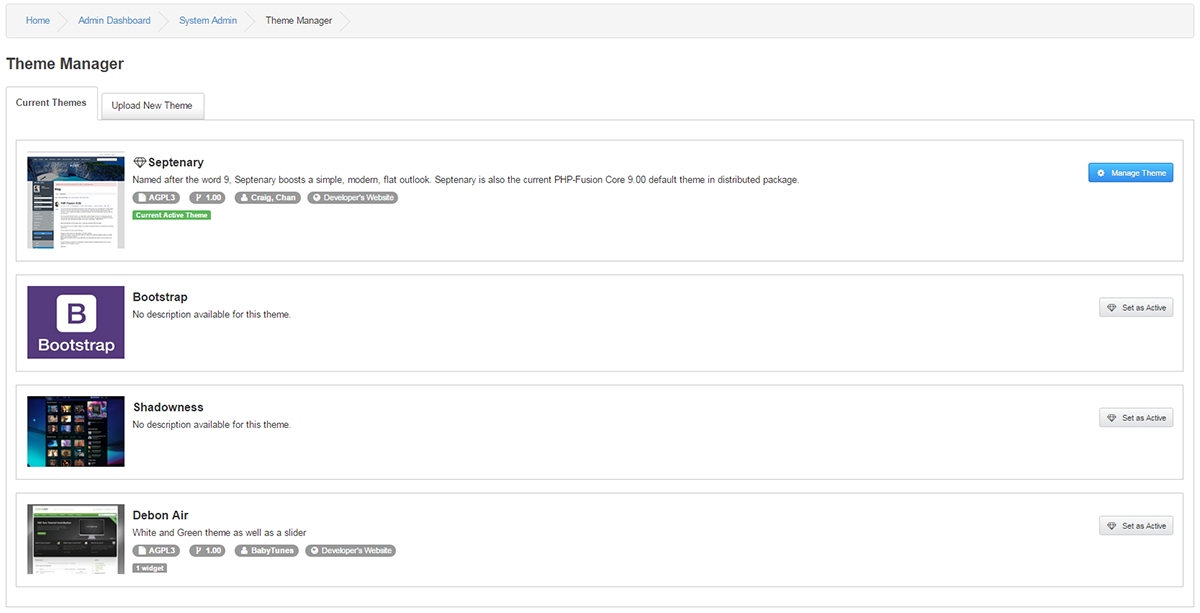
Current Themes
You can see a list of current themes uploaded with various information and a screenshot if one exist.
You can chose to Manage a Theme or to set a new Theme Active from this section.
Manage Theme
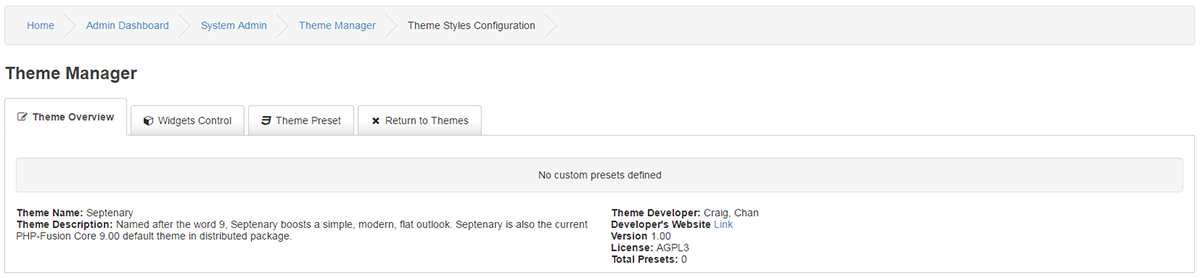
- Theme Overview
Theme Name: The name of selected Theme
Theme Description: Developers description of the Theme
Theme Developer: Developer(s) name(s)
Developer's Website Link: URL to the Developer(s)
Version: Current version
License: Theme license
Total Presets: Amount of set presets.
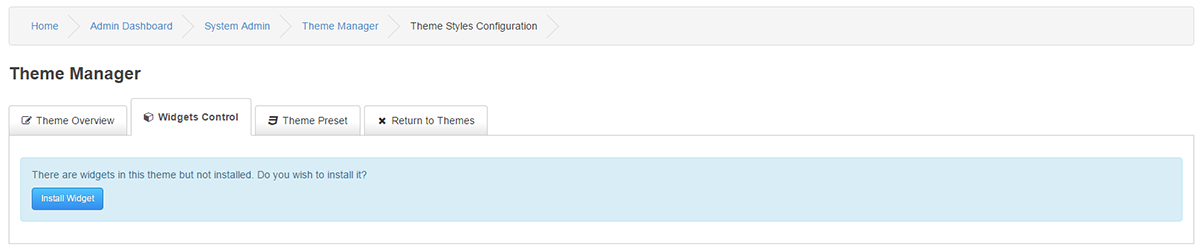
- Widgets Control
If your Theme have a Widget developed to it, you can install and handle the Theme Widget from this section.
If your Theme does not have a Widget, there is nothing to install.
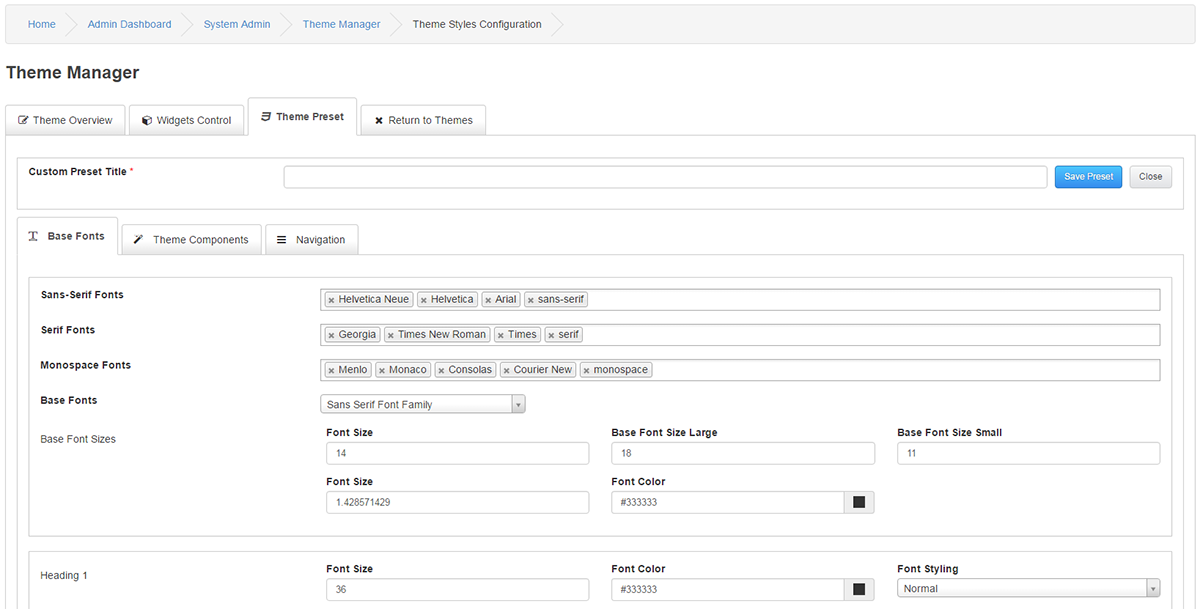
- Theme Preset
Custom Preset Title : You must give your Theme preset a title.
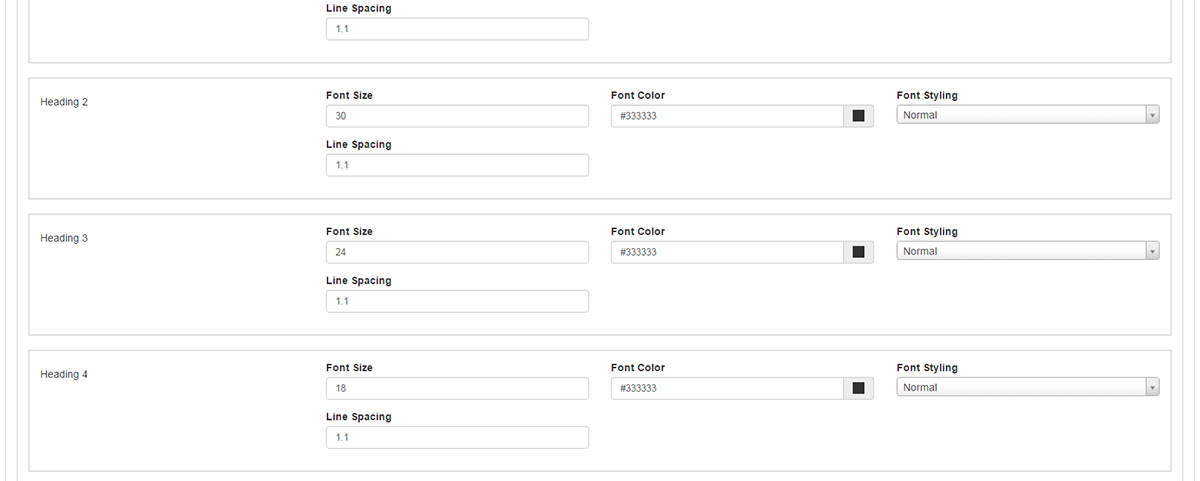
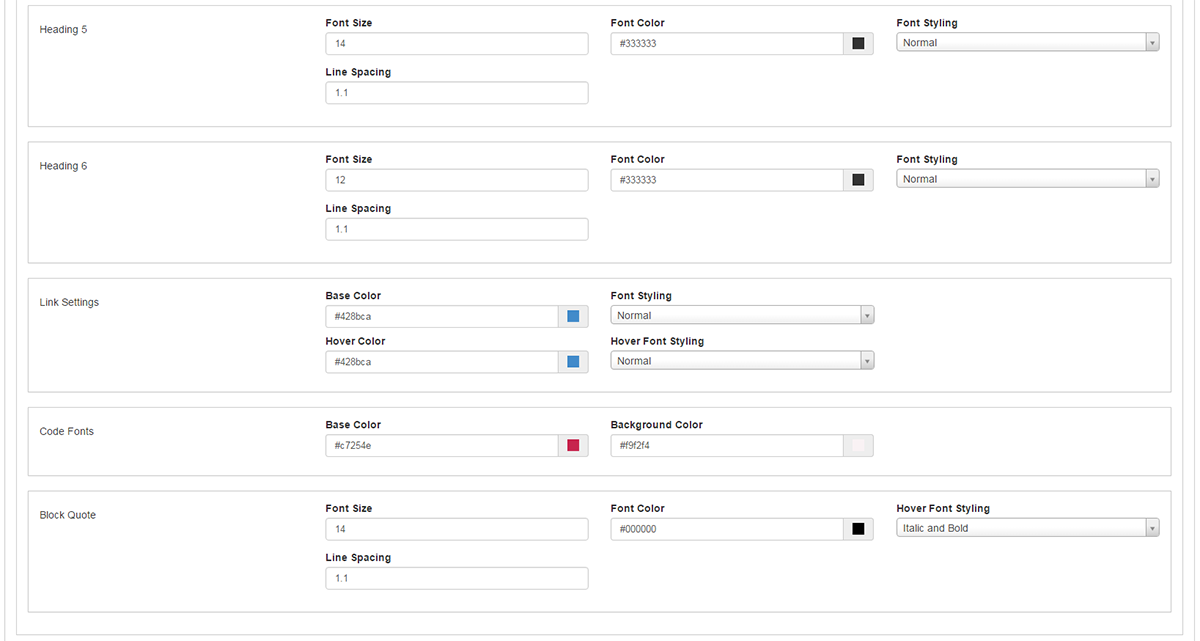
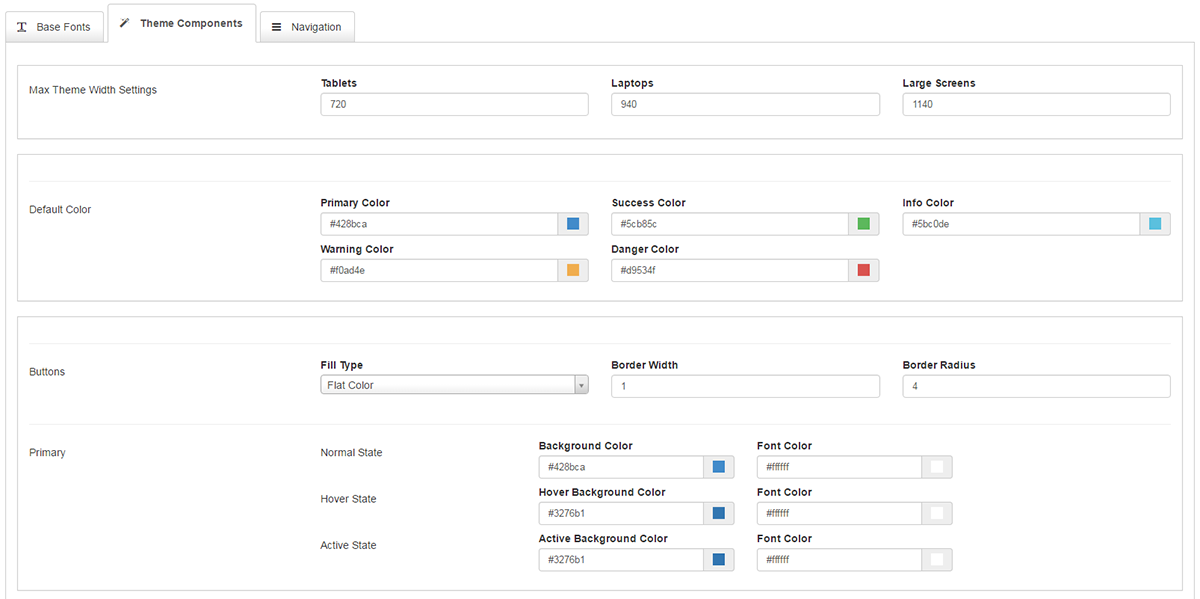
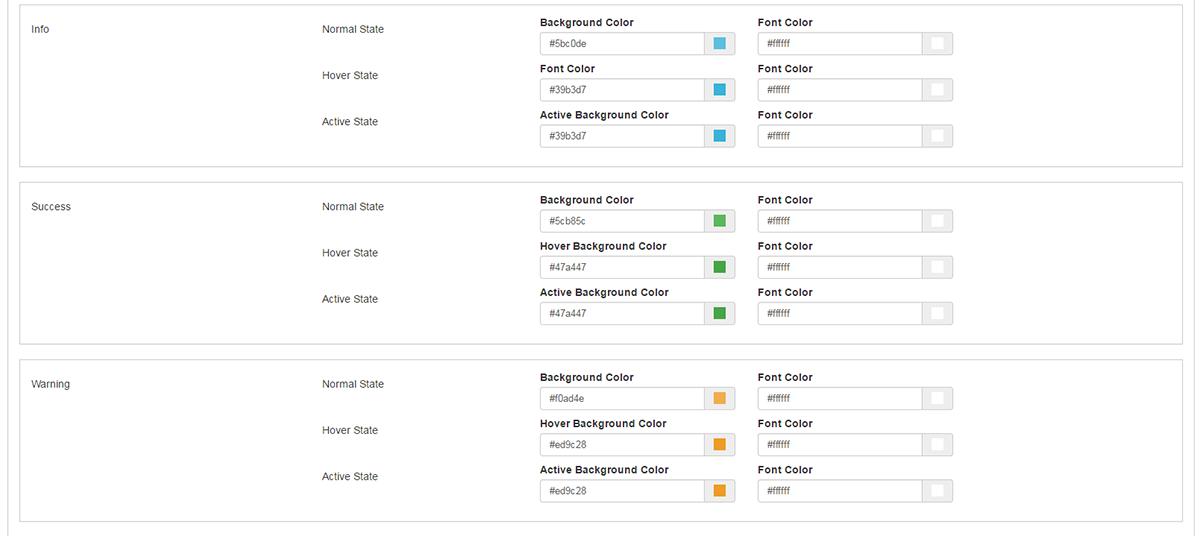
The rest of the presets are pretty much self explanatory for each type of CSS class.
-Base Fonts
This is the setting for your basic font´s.
-Theme Components
This is the settings tab for device widths, various buttons and notification boxes.
Return to Themes
This tab will put you back to Theme Management.
Support
For any questions, please visit our
System Administration Forum.